¶ User Guide: Loyalty Reports
Review points issued and redeemed, member growth, VIP and referral funnels, and export a CSV snapshot.
Open: Loyalty Reports in the app navigation.
Published guide: Loyalty Reports
¶ Choose a period
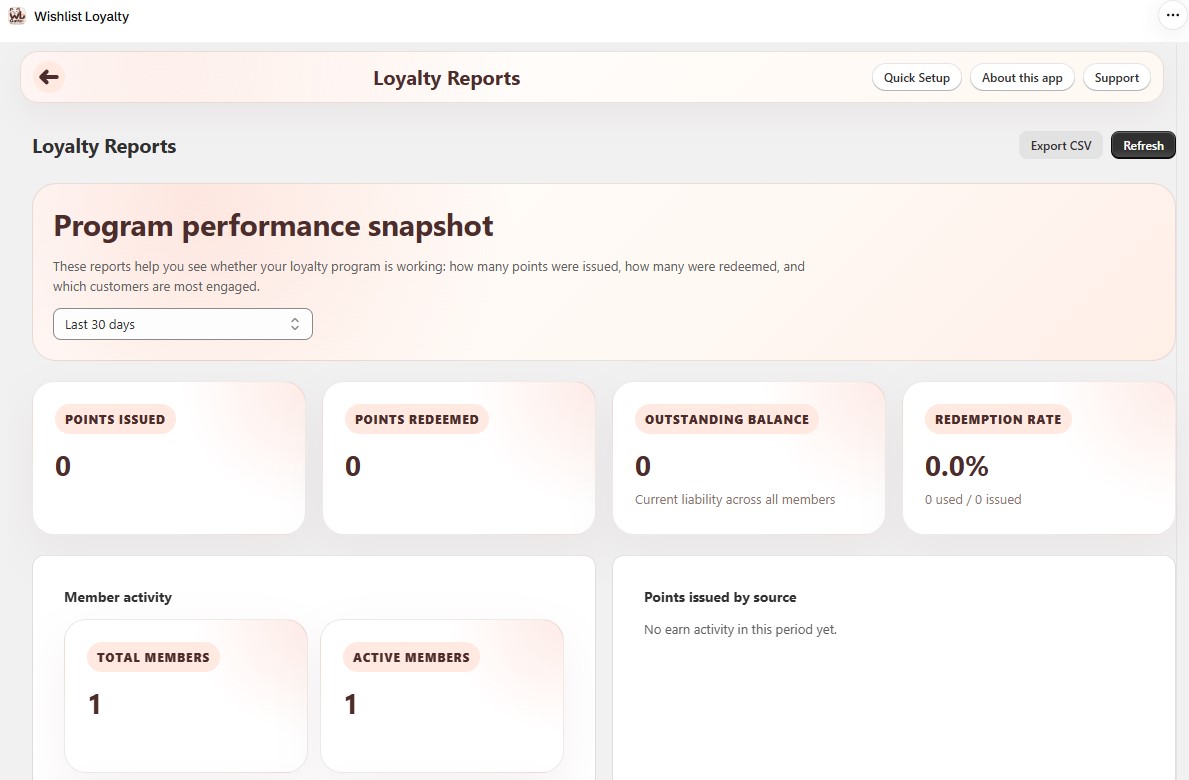
At the top of the page, pick a Period:
- Last 7 days
- Last 30 days (default)
- All time
Use Refresh to reload. Use Export CSV to download the current overview for that period.
Home also shows a short 7-day loyalty snapshot. Use Reports when you need the full breakdown or another period.
¶ Summary cards
| Card | Meaning |
|---|---|
| Points issued | Points earned in the selected period. |
| Points redeemed | Points spent on rewards in the period. |
| Outstanding balance | Current points liability across all members. |
| Redemption rate | Share of issued rewards that were used (used / issued). |
¶ Member activity
| Metric | Meaning |
|---|---|
| Total members | Members in the program. |
| Active members | Members with recent activity. |
| New members | New in the selected period. |
| Points spent on rewards | Points used when redeeming. |
¶ Points issued by source
Breaks down earn volume by source (purchases, signup, birthday, campaigns, missions, admin adjustments, and similar). Use this when totals jump after a campaign or mission.
¶ Daily trend
Charts for the selected period:
- Points issued vs redeemed by day.
- New members by day.
¶ VIP tier distribution
When VIP is enabled, shows how many members sit in each tier, plus members with no tier assigned.
¶ Referral funnel
When Referral is enabled:
| Metric | Meaning |
|---|---|
| Total referrals | All referral records in scope. |
| Completed | Referrals that finished successfully. |
| Pending | Waiting (including held for review). |
| Conversion rate | Completed vs total (rejected / reversed called out in the detail). |
¶ Top members by balance
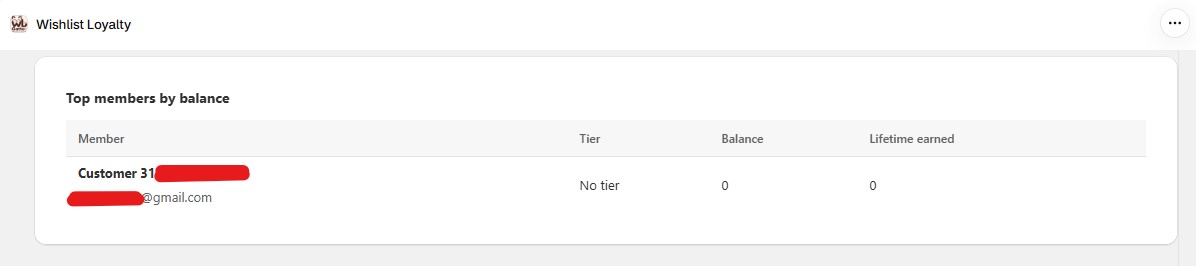
List of members with the highest available balances. Open someone on Loyalty Members for the full ledger.
¶ Tips
- After a test order, compare Reports totals with one sample member on Loyalty Members.
- When numbers spike, check campaign and mission dates, then Points issued by source.
- Export CSV before changing earn rules so you have a baseline.