¶ User Guide: Home Dashboard
See whether the app is live on your theme, which programs are on, and how Loyalty and Wishlist performed in the last 7 days.
Open: Home in the app navigation.
Published guide: Home Dashboard
¶ Quick actions
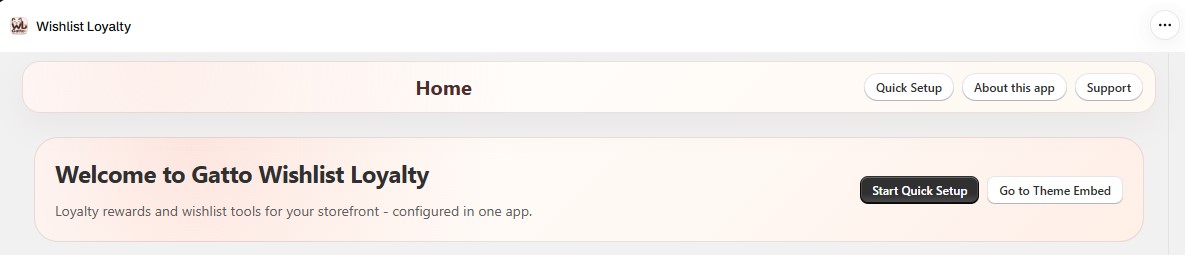
The top of Home has shortcut buttons:
- Start Quick Setup - opens the app guided onboarding (Wishlist + Loyalty embed flow). Shown until onboarding is finished. This is separate from Loyalty Settings → Overview → Set up loyalty program.
- Go to Theme Embed - turn on the app embed for your live theme.
¶ App setup & theme status
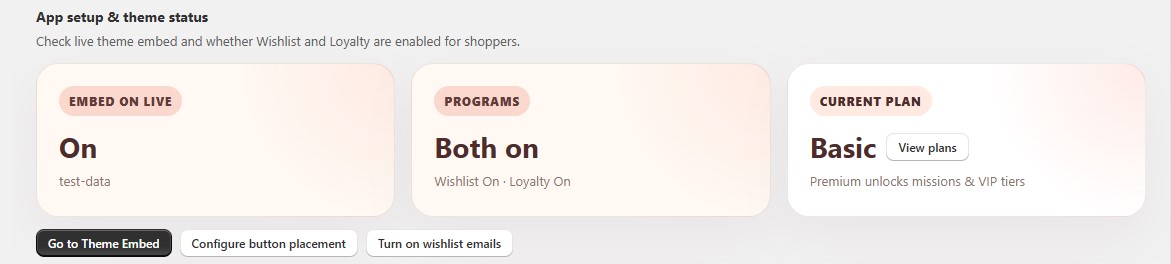
Three status cards show the basics at a glance:
| Card | What it shows |
|---|---|
| Embed on live | On or Off for the app embed on your published theme, plus the theme name. |
| Programs | Both on, Wishlist only, Loyalty only, or Both off. |
| Current plan | Your plan name and what the next plan unlocks. Click Upgrade or View plans to compare plans. |
Buttons below the cards:
- Go to Theme Embed
- Configure button placement - opens Wishlist Settings → Wishlist buttons.
- Turn on wishlist emails - opens Emails.
If Embed on live shows Off, nothing from the app appears on your storefront. Fix that first: Activate the app embed.
¶ Feature cards
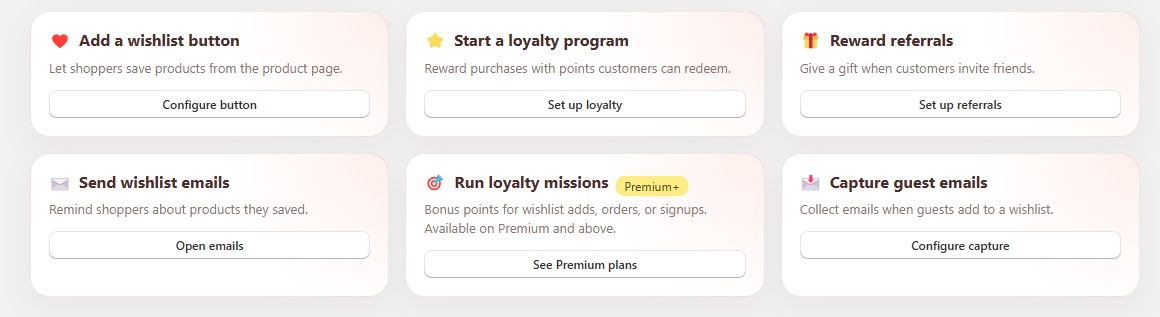
Six cards link to the main features:
| Card | Opens | Plan |
|---|---|---|
| Add a wishlist button | Wishlist Settings → Wishlist buttons | All plans |
| Start a loyalty program | Loyalty Settings → Program | All plans |
| Reward referrals | Loyalty Settings → Referral | Basic+ |
| Send wishlist emails | Emails | Basic+ |
| Run loyalty missions | Loyalty Missions | Premium+ |
| Capture guest emails | Wishlist Settings → General → Who can use | All plans |
A locked card shows the plan it needs (for example Basic+). Its button opens Pricing Plan instead of the feature.
¶ Loyalty last 7 days
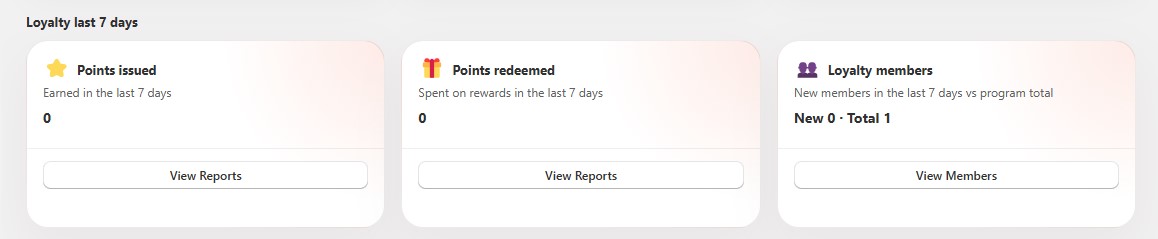
| Card | Meaning | Button |
|---|---|---|
| Points issued | Points earned in the last 7 days. | View Reports |
| Points redeemed | Points spent on rewards in the last 7 days. | View Reports |
| Loyalty members | New members in the last 7 days vs. program total. | View Members |
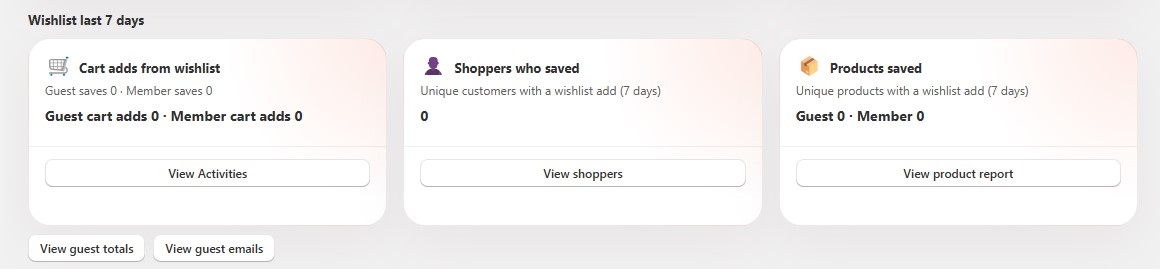
¶ Wishlist last 7 days
| Card | Meaning | Button |
|---|---|---|
| Cart adds from wishlist | Guest and member add-to-cart clicks from the wishlist. The subtitle shows guest and member saves. | View Activities |
| Shoppers who saved | Unique customers who added something to a wishlist. | View shoppers |
| Products saved | Unique products added to a wishlist, split by guest and member. | View product report |
Below the cards:
- View guest totals - guest wishlist activity.
- View guest emails - emails collected with guest opt-in.
¶ Tips
- Figures cover the last 7 days and refresh at most about every 2 minutes. A new test order or wishlist add may take a moment to show.
- A card shows - while data is loading or when there is nothing to report yet.
- For longer date ranges, use Loyalty Reports and Wishlist Statistics.